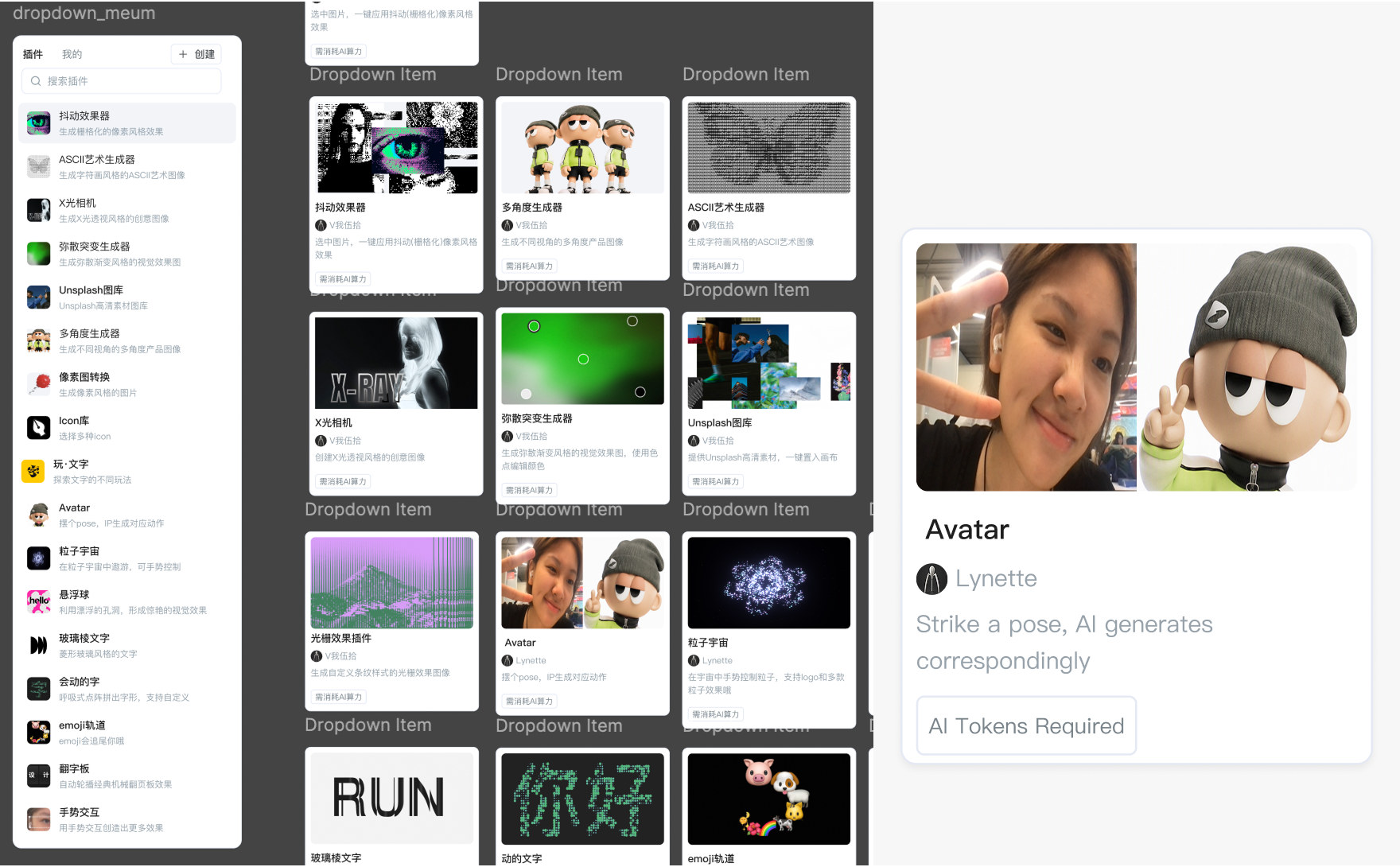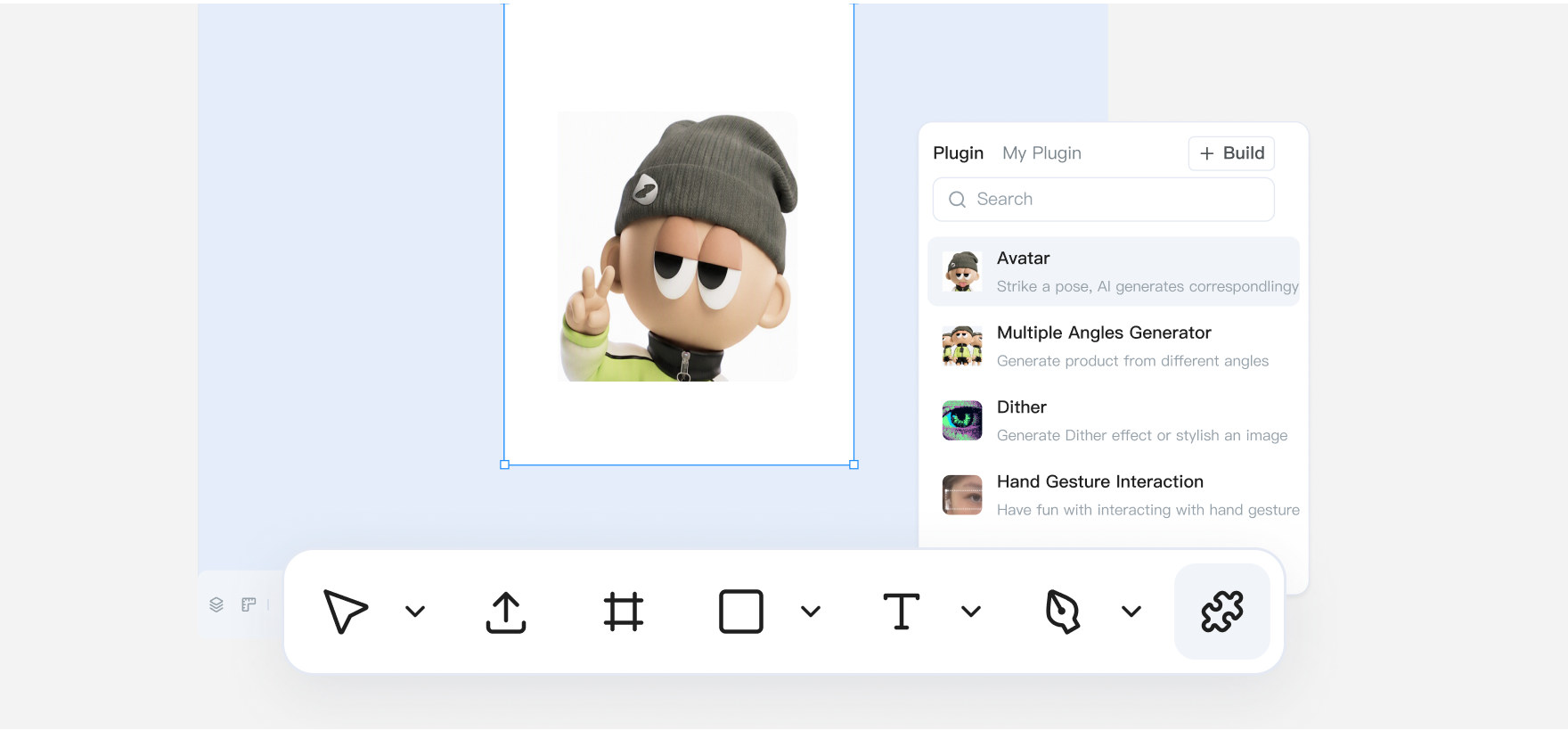
Generative Plug-ins
Shipped from Alibaba Design. Now lives inside D.design
Overview
With the rise of AI and growing design demands, basic canvas tools are starting to fall behind.
Generative plugins turn ideas into lightweight tools that live inside the canvas, handling high-frequency tasks and closing the gap between prompting and designing.
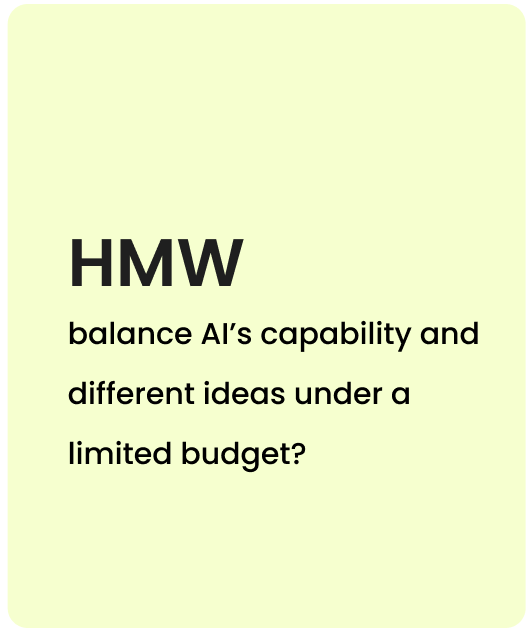
The question I was answeringHow Might We Balance AI’s Capability And Different Ideas Under A Limited Budget?
Earlier, at P0, I benchmarked Figma and Claude Code plugins to view their solution both on function and design.
What did I work on
User Research
- Market research, Must haves, JTBD
- Interviews with enterprise team &users
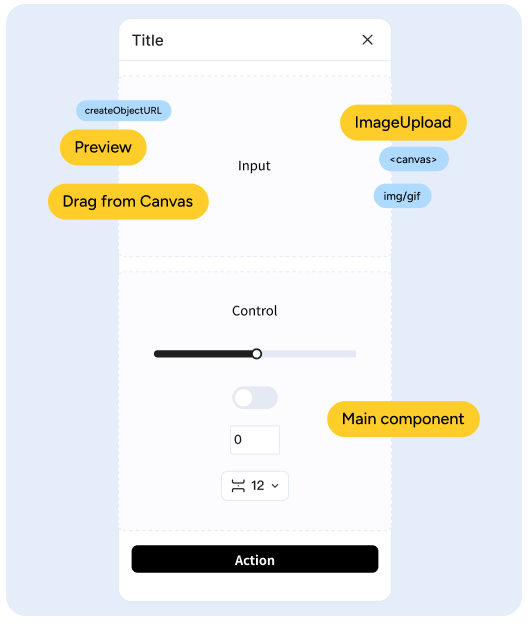
Components, Guardrails, System
- Defined frames for plug-in’s Main Panel
- Audit component’s feasibility
- Setting up guardrails for AI
0-1 Feature Design + Vibe coding
- Fixed a testing pain point: slow retrieval of past outputs
- Built 10 official plug-ins;
- Vibecoded 20+ for content population
Components, Guardrails, System
Research
I was tasked to design the control panel for plug-ins, as well as defining the P0 stage of plug-ins.
Before diving in to the design , i asked three things :
what are the user needs? what are the plug-ins should be shipped? what are we capable to build?
Understanding users for d.design in general was my first approach, By conducting 14 questions with participant from Marketing team and Development. In ordering to provide a better user experience, Plug-ins must be set with certain principles in multiple ways.
Many versions of one thing
Same design, every size
Batch clean-up
When I have to produce many variations of the same subject, I want to control the final result myself, so I can reach a result I like quickly, without chatting and waiting on repeated rounds.
Many variations of one subject, such as an IP character or a logo, each matching the designer's own judgment.
Repeated chat rounds, waiting on the model, token spend with no ceiling, re-rolling.
Every change means generating again. Choosing the right output takes design experience.
Q&A
Interview guide · 14 questions- Which parameter do you usually start with, and why?
- Last time you overshot, what did you do?
- After a result is done, what do you still go back and change?
Setting up the base
To lower cognitive, I preset the base of the control panel
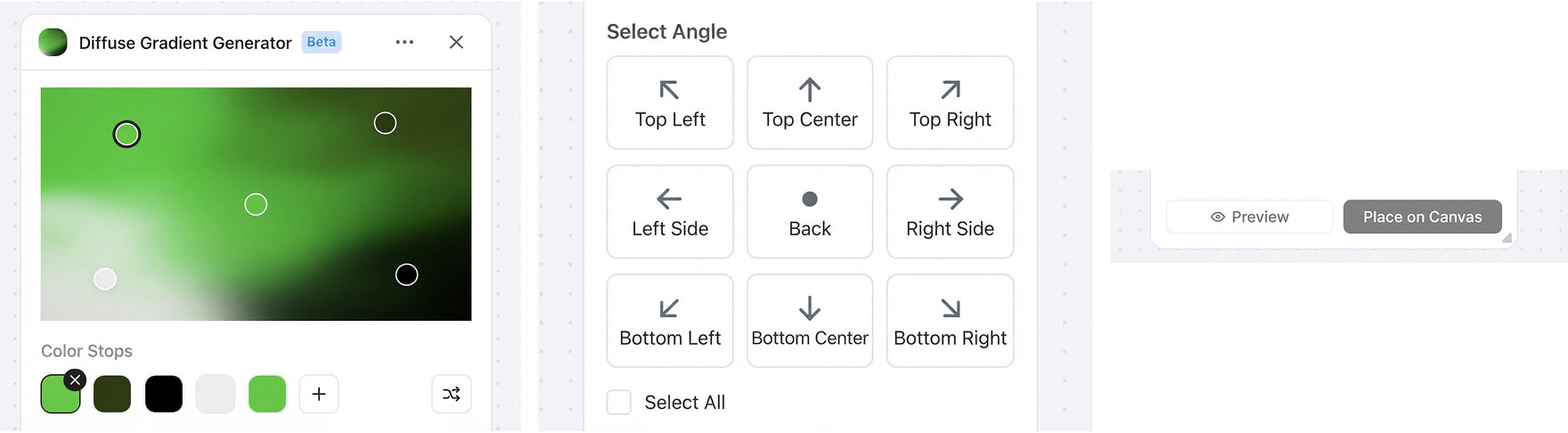
By looking at the workflow of user completing a repetitive tasks. I designed three fields to be base of the panel:
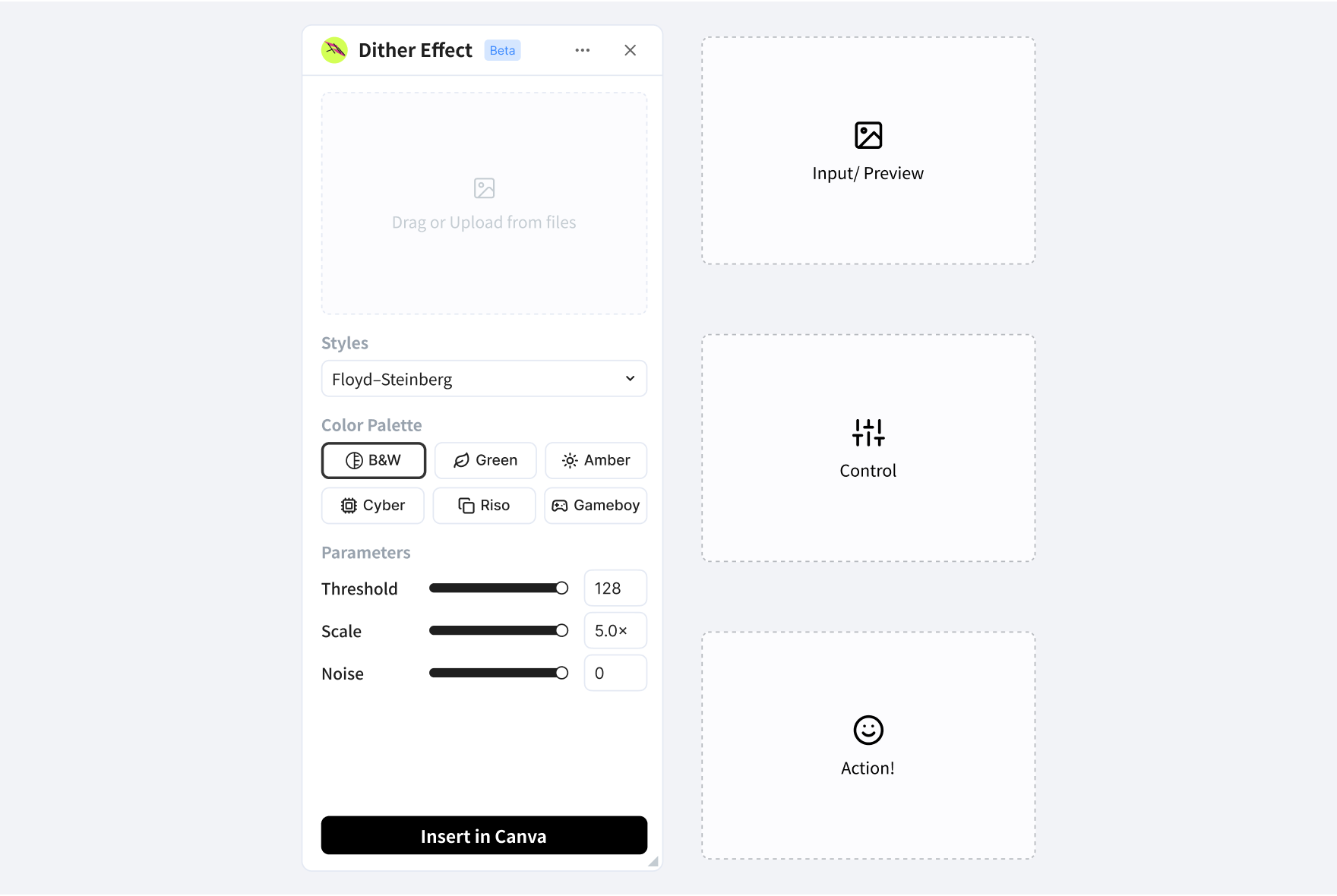
*** With different prompts, AI could generate differently:
Scoping into fields
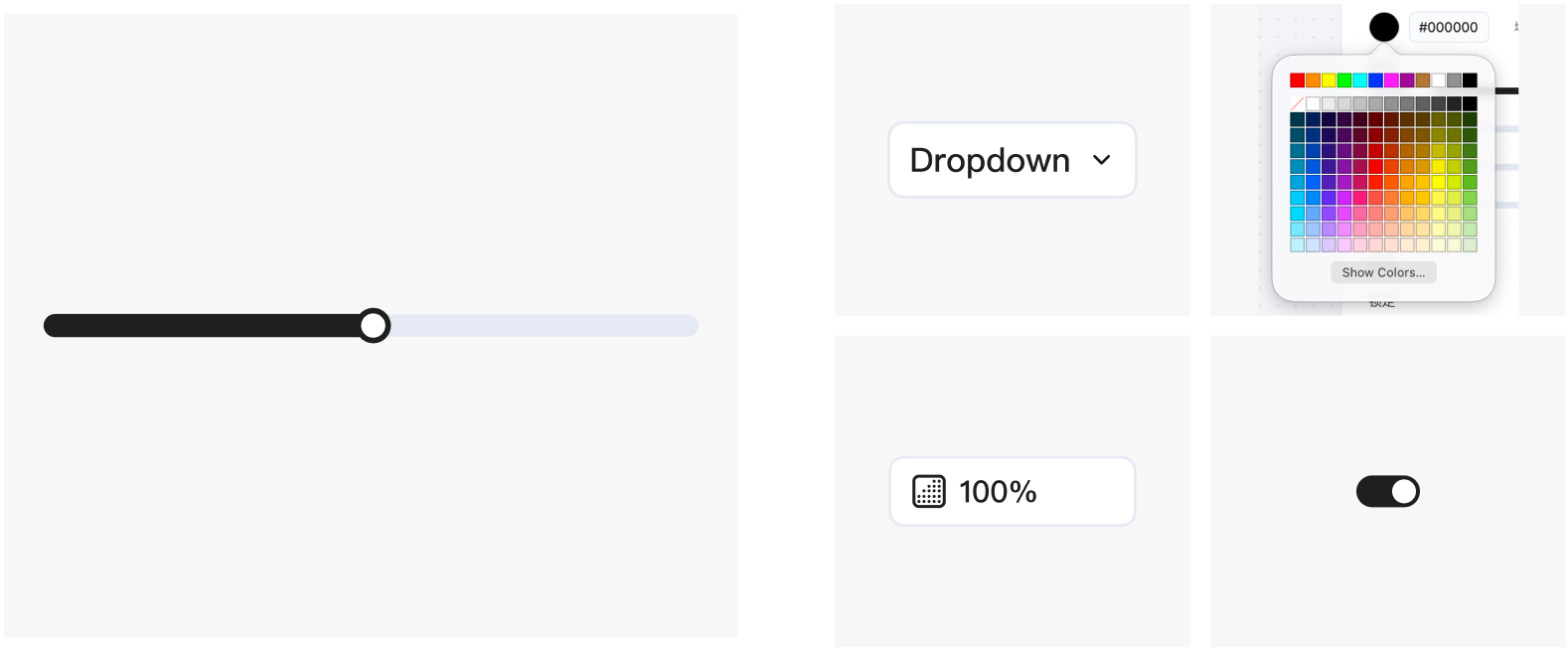
What to pick?: There are many components that could go into user contorl: slider, number input, dropdown, toggle, color picker, radio group.... But what should be prioritize in the generation?
Instead of deciding one by one, I used must-have filter to designed and identify what are the suitable components in the design system.
Must Haves
From users, These should box the components, making them suitable:
- Local-only controls: to save tokens, controls never call AI.
- Live preview: to stop waiting on the model, changes show in the panel right away.
- Presets with a way back: to help anyone pick well, every parameter starts with a default and a range, and can return to it.
- Drag or type: to get close fast and exact when it matters, a slider and a number field are one control.
- Plain names: to read a panel without a manual, a parameter is named for what changes on screen.
- One commit: to avoid re-rolling, tune by hand and send to the canvas once.
My Picks:
Task View
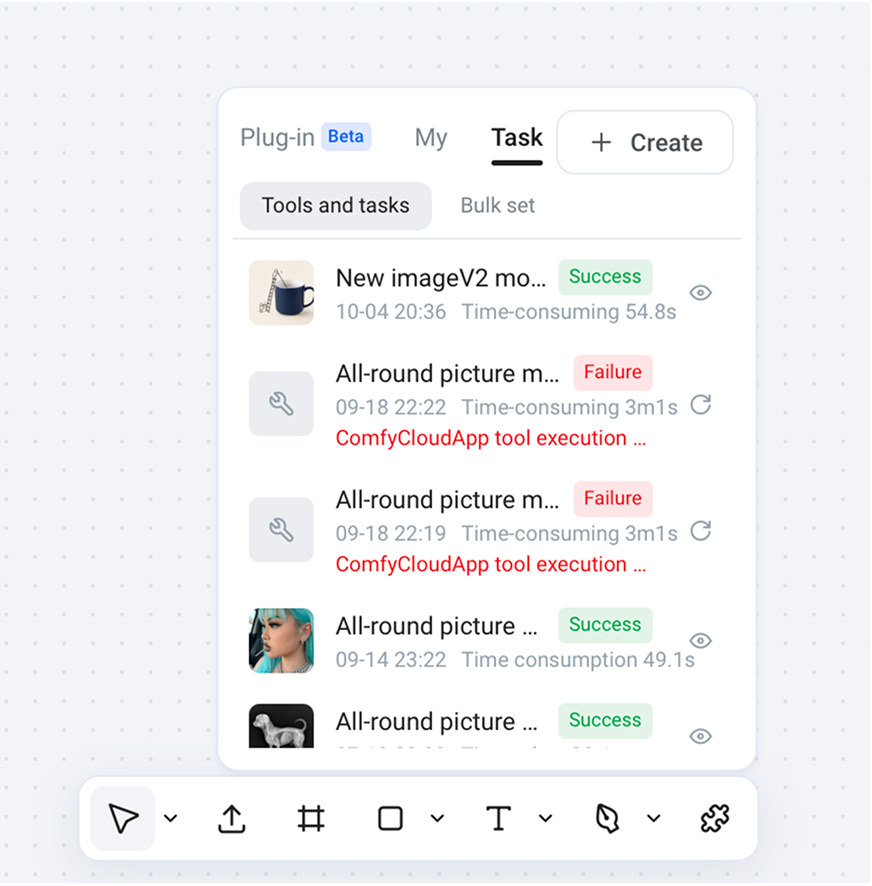
Problem:
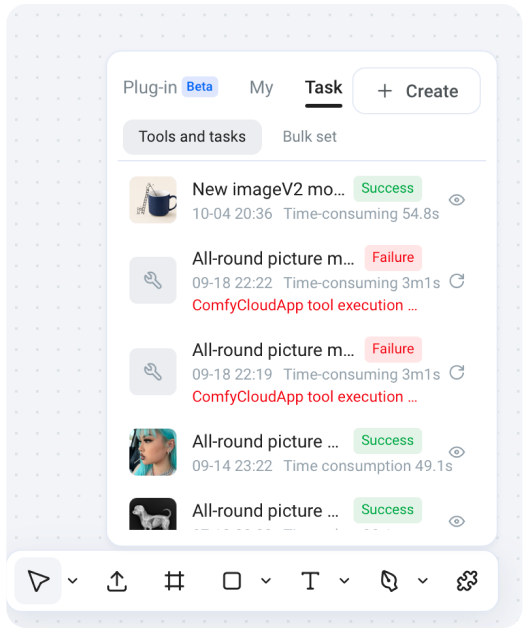
When testing plug-ins, team members kept going back to the project bar, or back into the chat to copy the prompt, just to run a second pass on an image.
same goes to user: once a user loses the conversation, they lose everything generated in it. Outputs have no home outside the chat.
Solution:
I proposed a history tracker that lives inside plug-in.
After discussing with the PM and UX designer, the features were set as:
- A closed loop in the workflow, with more ways to get outputs back
- Record time, tool run time and status
More Vibecoding...